

Starts anonymous. Real only if you say so.
You get 15 minutes.Then you decide.
Get matched on what you both actually care about and talk for 15 minutes while you're both anonymous. When the timer ends, profiles open only if you both say yes. If either of you says no, you stay anonymous — and nobody finds out who said what.
On iOS and Android · in 7 languages
The mechanic
What 15 minutes actually looks like
One session, start to finish. Nothing here is a metaphor — this is the app.
01--:--
Join the queue, get on with your day
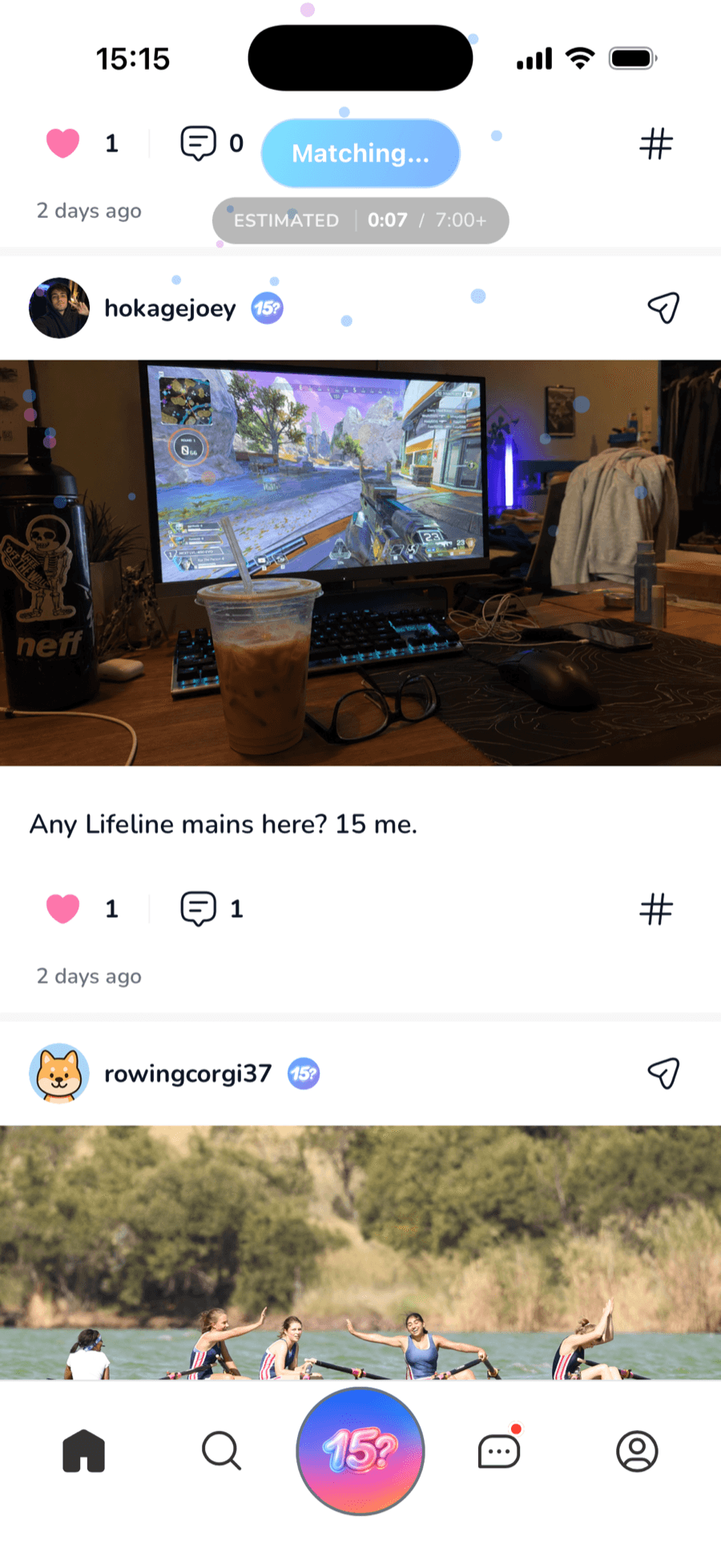
We look for someone based on your interests and — if you allow it — how close you are. You see an estimated wait and can cancel anytime. On iOS the search stays live on your Lock Screen and Dynamic Island, so you don't have to sit and watch it.
0200:00
No name. Just common ground.
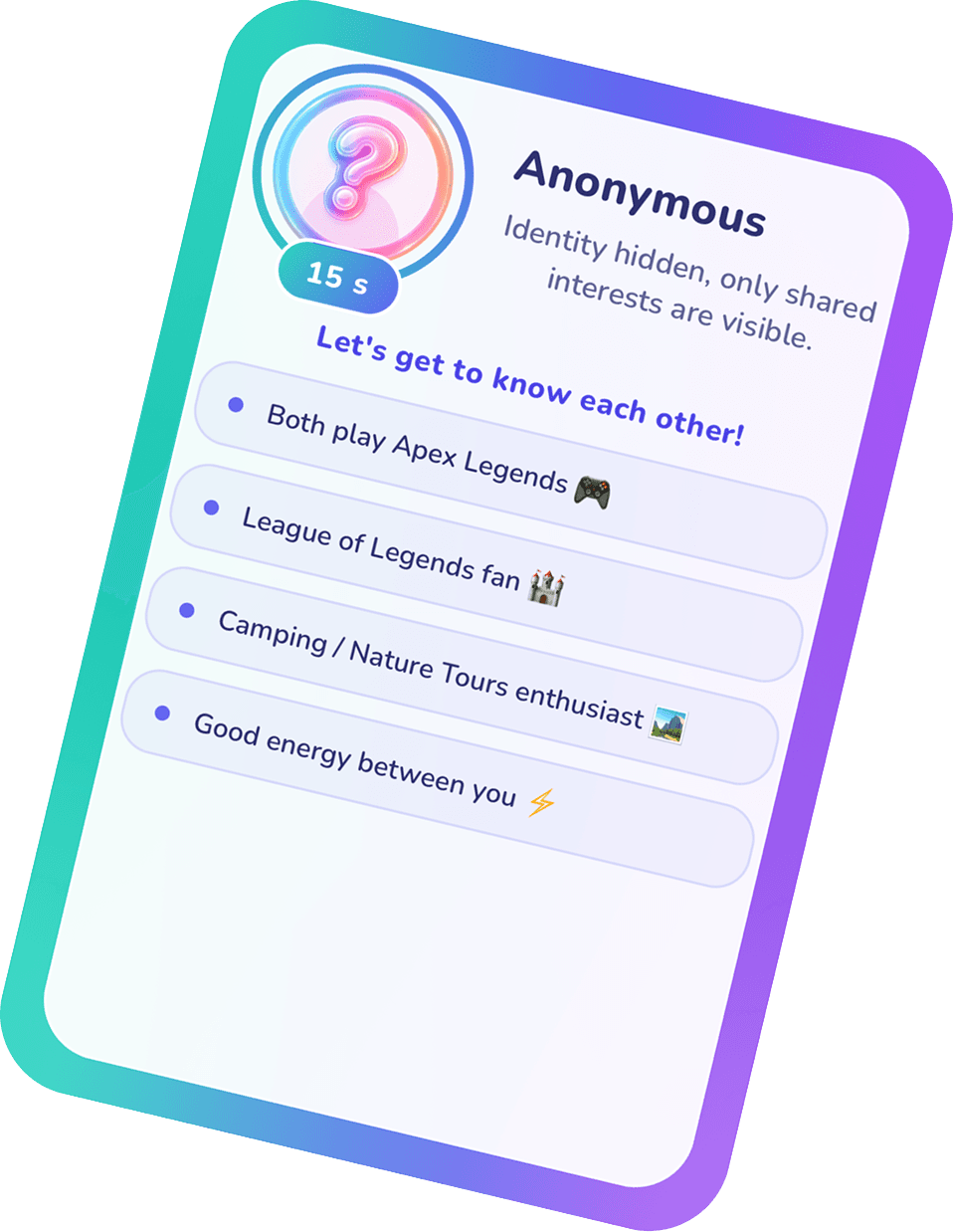
The other person is a Hidden Match — no photo, no name, no age. All you see is what brought you together: the interests you share. The clock starts at 15:00.
03~02:00
So the conversation never stalls
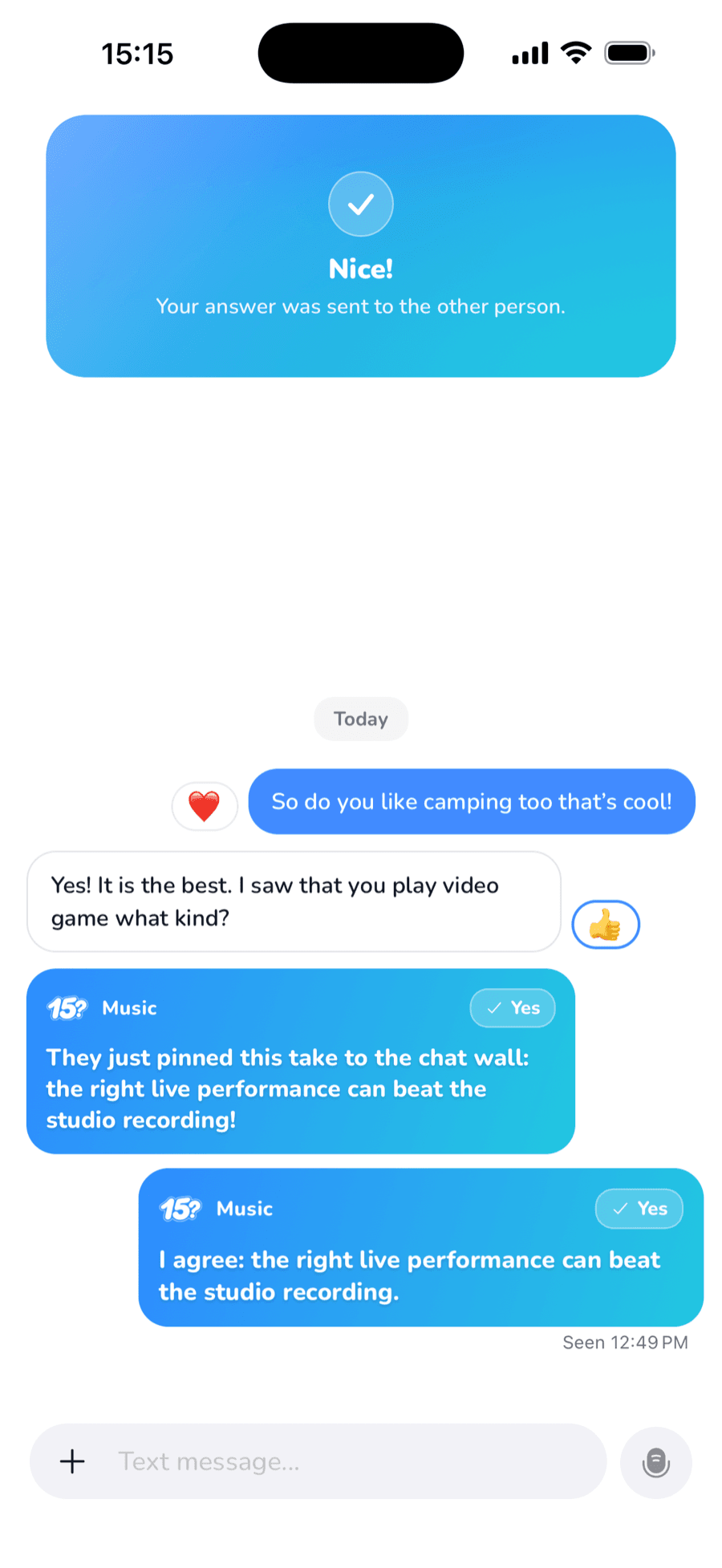
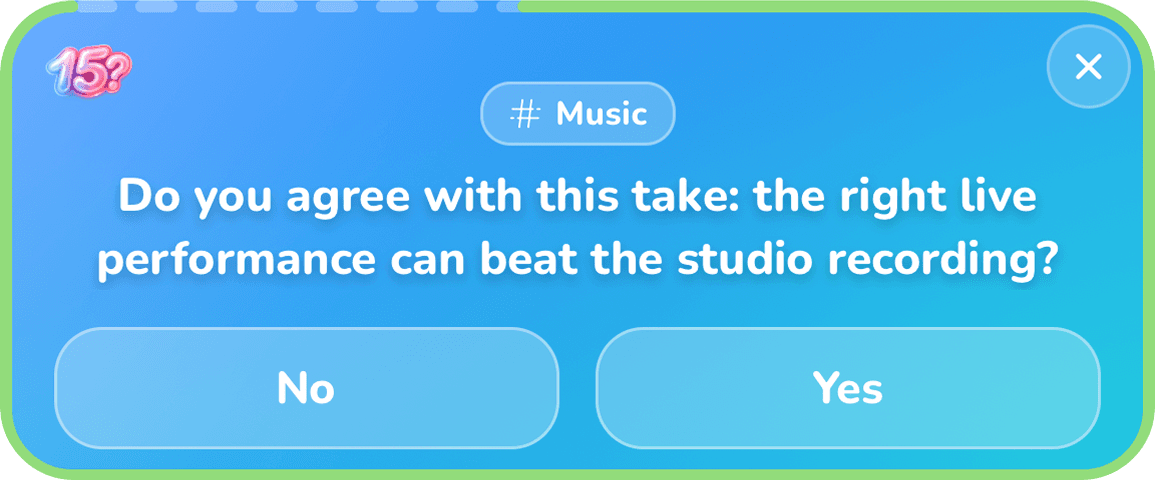
Small timed questions appear above the chat. Your answer gets delivered to the other side, and you both find out what the other one thought at the same moment.
0407:30
A real conversation, fully equipped
Text, photos, video, voice notes, reactions, replies, unsend. View-once photos are screenshot-protected. Spotify, YouTube and Apple Music links open as cards right in the chat. And you're both still anonymous.
0515:00
Only if you both want it
As the timer runs out you each make a call — and you can defer it if you're not ready. If you both say yes, profiles open and the chat continues for real; you become each other's connections. If either says no, anonymity holds and nobody sees who decided what.

Impatient? You can send one early-reveal request before the timer ends. One per chat.
Icebreaker
So the conversation never stalls
The hardest moment in an anonymous chat is the one where neither of you has anything left to say. That's exactly where the icebreaker lands: a timed question put to both of you at once, pulled from a pool the app's AI wrote itself and picked for something the two of you actually share.
The pool
Your common ground
Yours
Both of you
Theirs
What arrives
- 01
It picks the person first
Before there's a question, there's a person. The app looks through the interests on both profiles, and when it can go further, the pairing is made by its AI — how well the two of you would actually get on, with the reason written on the match card before either of you types a word.
Hidden Match
Why you matched
MusicCinemaCoffeeHiking - 02
The questions are its own
The pool of questions was written by the AI itself, ahead of time. Which one reaches the two of you is decided by the interests you genuinely share, so it lands on something you both already have an opinion about.
- 03
Same question, both of you
One question drops into the middle of the chat. You both see it at the same moment, and you each answer privately.
- 04
The answers meet
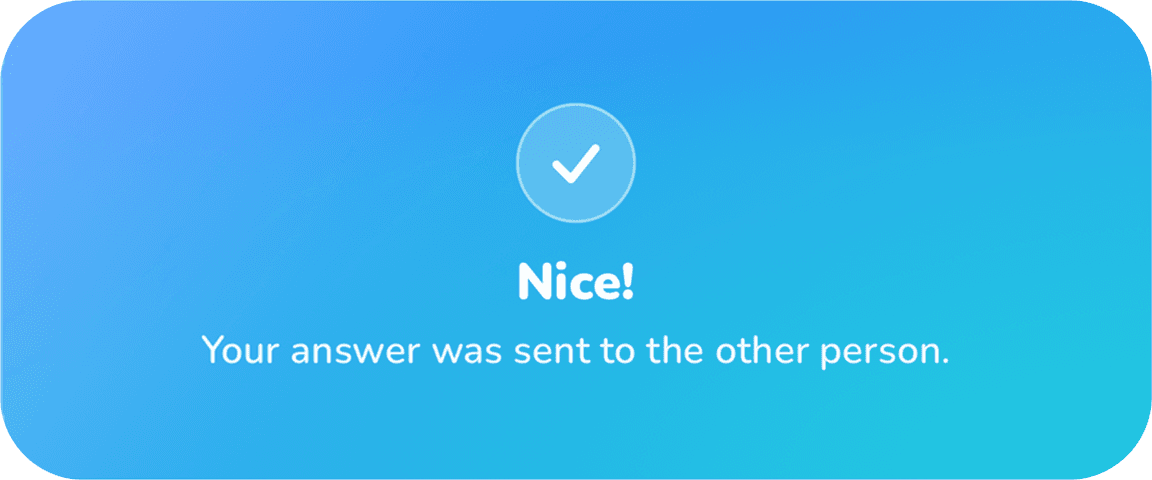
Your answer is delivered to the other side and theirs to you. The silence is replaced by something to talk about.

Answers are delivered, not read receipts — you find out what they thought at the same moment they find out about you.
While the clock runs
Your 15 minutes keep running — even with the app closed
Matched

A match is found, and the 15 minutes start.
On the Lock Screen
The countdown, and only the countdown
One Live Activity: an icon, a line, a second line, and the time left. The same countdown turns up in the Dynamic Island, so you can put the phone down and still know how long you have.
That's the whole widget. Anything with a button on it happens inside the app.

15 Minutes
Anonymous chat in progress
The countdown, live in the Dynamic Island
In the chat
The session, in the order it happens
Every card below is drawn inside the chat, never on the Lock Screen. This is one session, from the header to the last banner.
- 01
The header
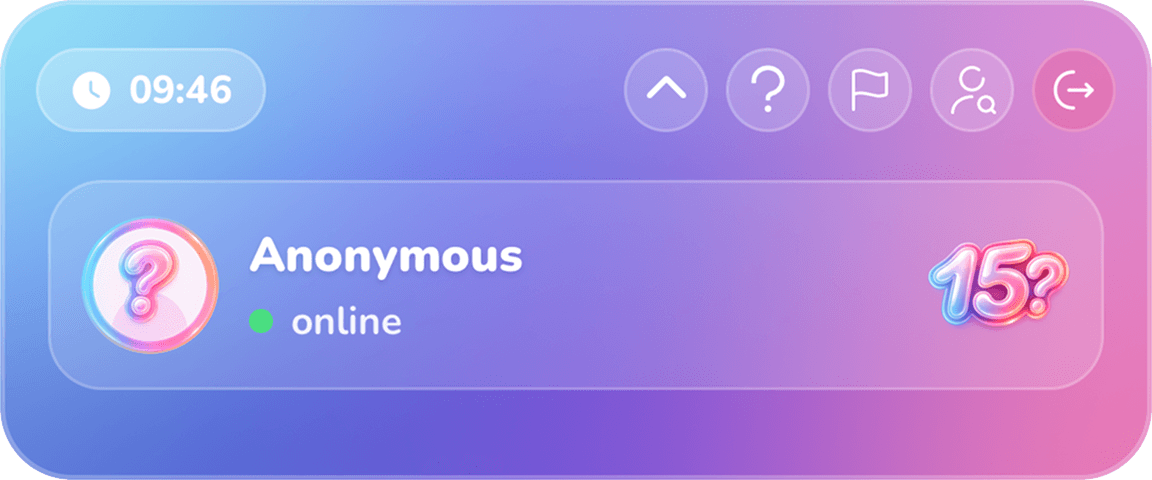
The chat opens with the same countdown: an anonymous match, and the 15 mark.
- 02
The icebreaker
A question the AI wrote, picked for you by an interest you both share. You answer it on your own.
- 03
Answer delivered
Your answer goes across. Nothing else moves yet.
- 04
Waiting on them

Nothing is revealed until the other side has answered too.
- 05
They said yes too
The card that turns up when your answers line up.
- 06
Asking early
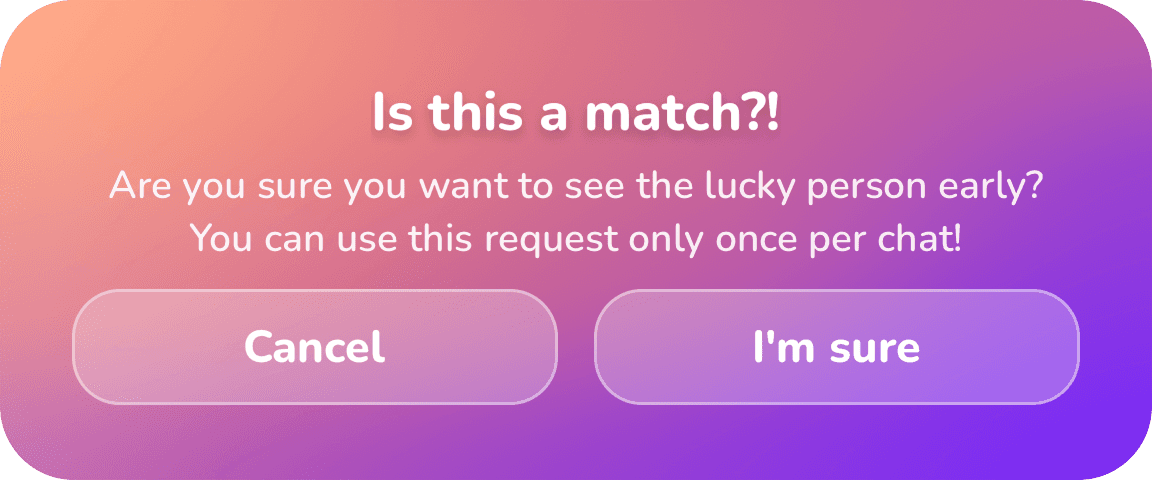
You can ask to drop anonymity before the clock runs out — once per chat.
- 07
Their request
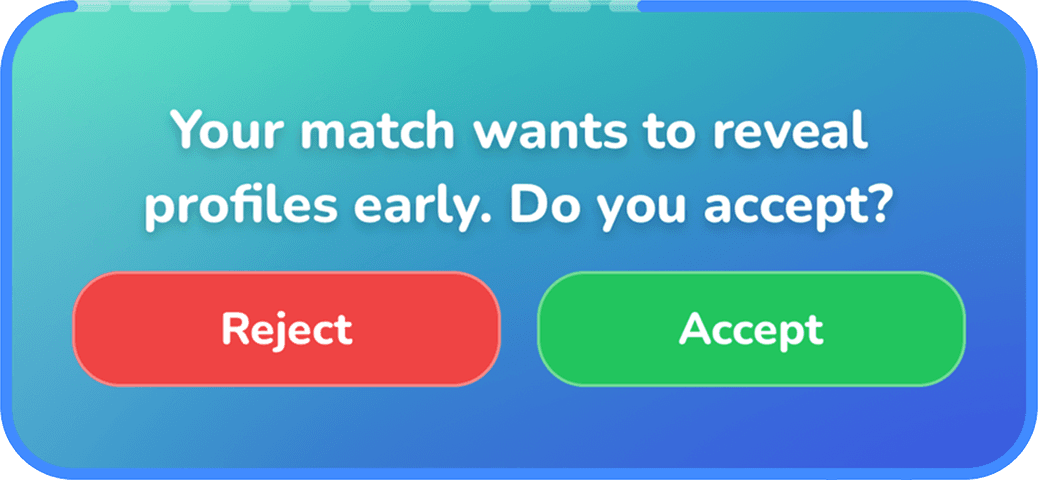
The same request coming the other way: reject or accept.
- 08
Anonymity holds
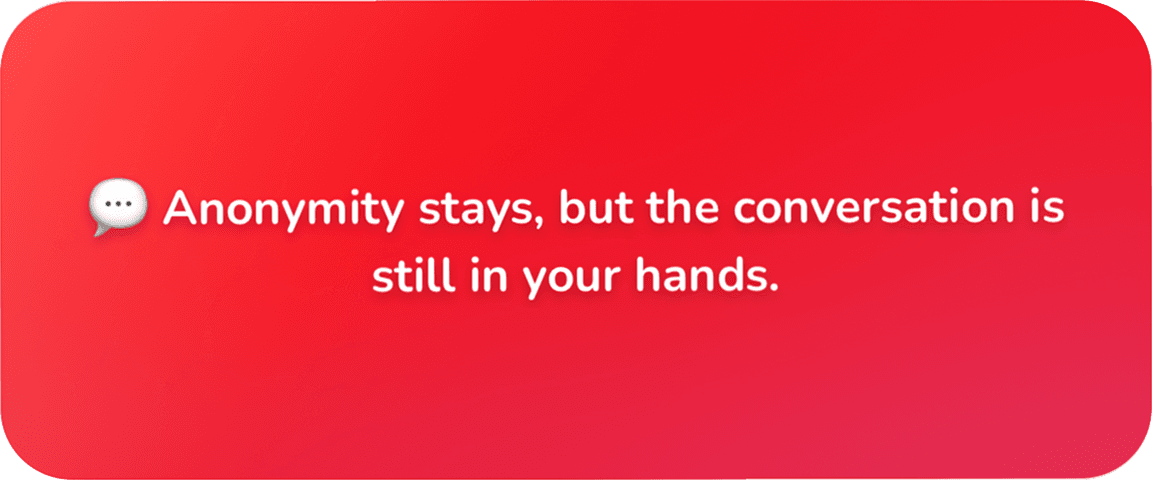
Say no and nothing opens. The conversation is still yours to carry on or leave.
The Lock Screen countdown needs iOS 16.1 or newer. On Android, and on iOS while the app is closed, you get a notification when a match is found and when the session starts.
Hover or tap the card to turn it over
After the timer
A story worth sharing — without exposing anyone
Every match ends with a story-ready card. No names, no faces — just curiosity. You can share a version with your photo if you want to, but that's entirely your call. Nothing gets shared on your behalf.
Safety & privacy
You're in control — with real settings, not slogans
Every item below is a switch that exists in the app today.
Identity opens only by mutual consent.
No profile is revealed unless you both agree.
Who can message, tag or mention you
Each one set separately: Everyone / Followers / Connections / No one.
Private account.
Only followers you approve see your posts.
Find me by username only.
Your real name won't match in search.
Profile photo and follow lists.
You choose who can see them.
Online status is optional.
Turn it off and last-seen goes with it.
View-once photos are screenshot-protected
The sender is notified if someone tries.
Blocking cuts both ways.
Every interaction between you ends.
Reporting with 12 reasons.
Your report stays private and you're told what happened.
Download your data.
Request a copy of what's in your account.
Deactivate or delete.
Deleting hides your account immediately and you have ~28 days to change your mind.
16+ only.
You need to be at least 16 to use 15 Minutes.
There's a Help Center inside the app: pick a topic, describe it, and the reply lands in the same thread.
Read the safety overviewThe small things
Craft you only notice when it's missing
Questions
Before you download
What happens when the 15 minutes are up?
If you both say yes, profiles open and the chat continues for real. If either of you says no, the chat moves to Past Sessions and you both stay anonymous.
Do I find out who said no?
No. Individual decisions are never revealed.
Can we reveal before the timer ends?
Yes — one early-reveal request per chat. If the other person accepts, profiles open right away.
Do I have to share my location?
No. Location is optional and only makes nearby matches better. Without it you still match — matches are just less local. You can change it anytime in Settings.
Are the photos I send while anonymous safe?
Photos you send as view-once are screenshot-protected, and you're notified if someone tries.
Is there an age limit?
Yes — you must be at least 16 to use the app.
Which languages are supported?
Turkish, English, Spanish, German, French, Russian and Japanese.
If I delete my account, can I come back?
Your account is hidden immediately and for about 28 days you can sign back in and cancel the deletion. After that the data is permanently deleted. If you don't want that, you can deactivate instead.
Why 15 minutes?
Long enough to actually get somewhere, short enough that neither of you can drift. The clock keeps you both present.
Your next 15 minutes are waiting.
Free to download on iOS and Android
Scan to download
Beyond the match
There's a place for you after the 15 minutes, too
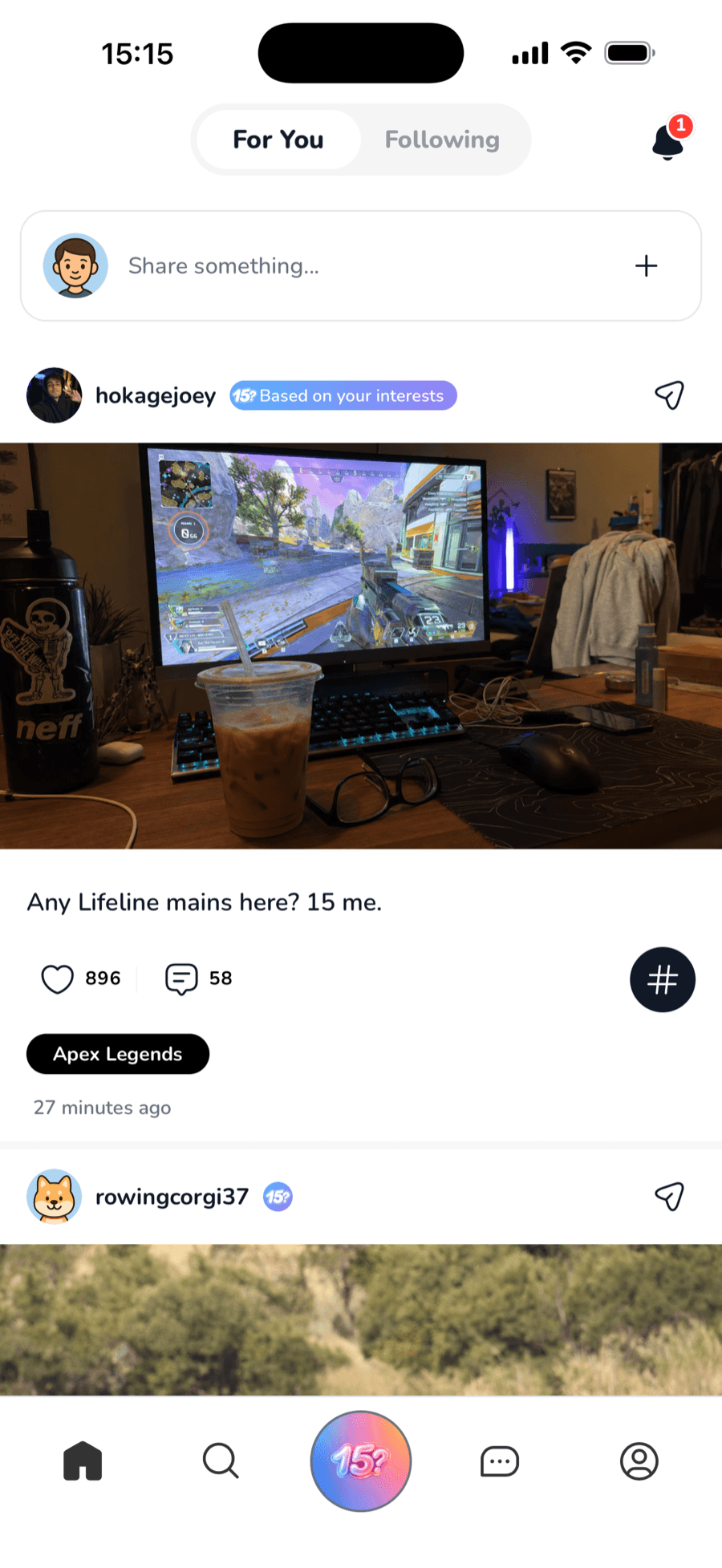
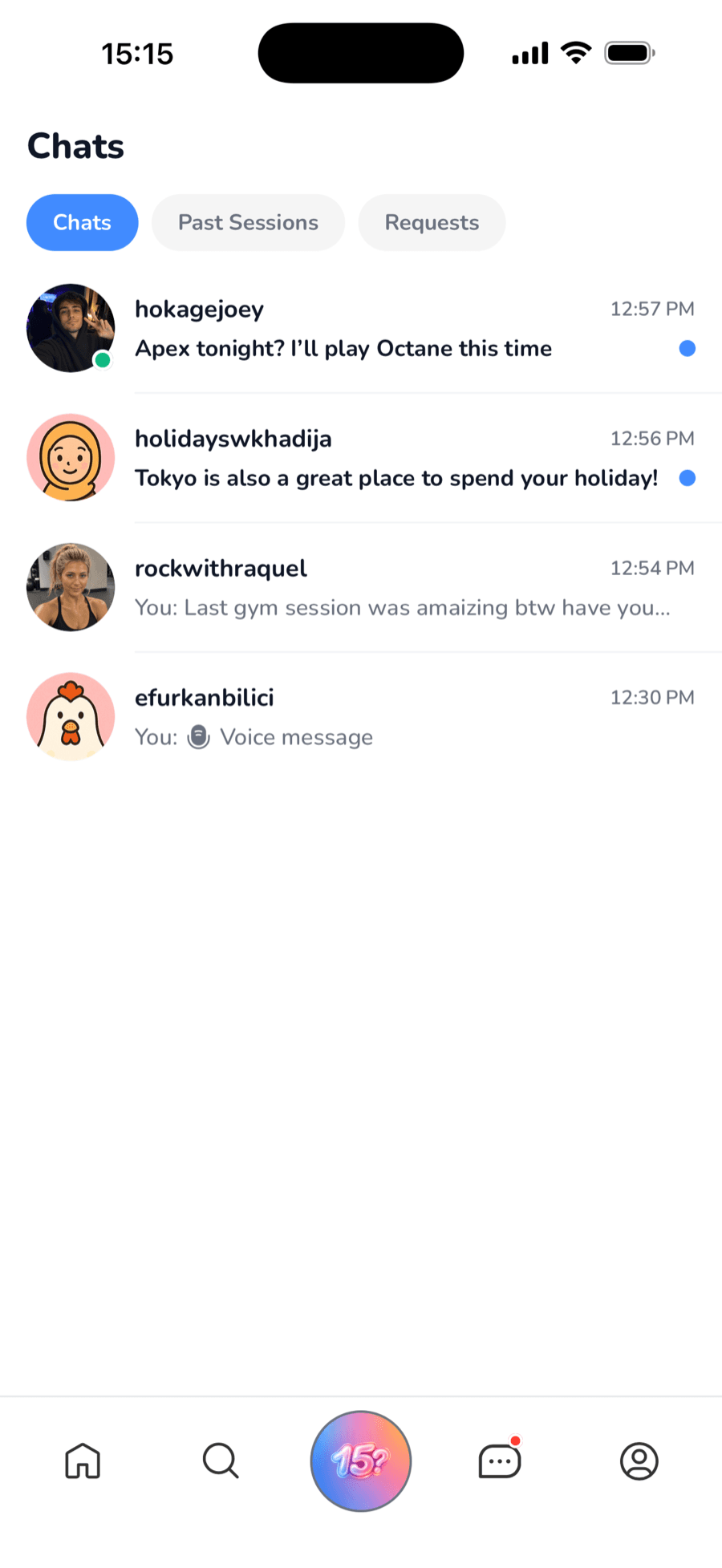
15 Minutes is a full social app around the sessions — a feed, posts, profiles and the people you keep.
A feed that tells you why
For You and Following. Every post says why it reached you.
Share what you want, how you want
Text, up to 10 photos or videos, a voice note, a music card, up to 5 interest tags, people tagging and @mentions. Drafts save themselves.
Interest feeds
Tap an interest to see everything on it — Trending or Latest.
40+ chat themes
Pick a bubble. The whole conversation follows.
Did you notice the timer stopped mattering?
I did. Ten minutes ago.
Connections
A third list next to followers and following: the people you both said yes to.
Seven languages
The app speaks all of these, natively.
15 dakikan var.